Guide
Comment utiliser infinitelaws
L'essentiel sur une seule page : ce que le site sait faire, comment trouver ce dont vous avez besoin et comment participer. infinitelaws est un commentaire ouvert du règlement sur l'IA — le texte authentique et l'analyse experte côte à côte, gratuitement et sans inscription.
L'essentiel en bref
- Étiquettes d'applicabilité. Chaque article indique s'il s'applique déjà et depuis quand — y compris les dates reportées par le règlement modificatif Digital Omnibus.
- Sources et contexte par article. Pour chaque disposition : considérants liés, renvois, documents officiels et actualités qui la concernent.
- Chronologie « Ce qui s'applique quand ». Tout le calendrier d'entrée en application 2024-2030 sur une page, avec des liens vers les articles concernés.
- Filtre par date d'application. Un clic affiche (et exporte) uniquement les articles applicables à partir de la date choisie.
- Citations en un clic. Sélectionnez un passage du texte ou d'un commentaire et copiez-le avec la référence de la disposition et un lien permanent.
- Recherche intelligente. ⌘K interroge les numéros, les intitulés, le texte intégral (sans tenir compte des accents) et les commentaires publiés — dans les 8 langues.
- Exporter exactement votre sélection. Choisissez des articles et téléchargez précisément ceux-là : PDF prêt à imprimer, PDF sur deux colonnes ou Word.
- Un commentaire sourcé. Chaque affirmation porte une source numérotée et vérifiable. AI-generated, human-expert-curated.
Lire le règlement
Le texte commenté s'ouvre depuis la page d'accueil. À gauche, la table des matières présente les chapitres et sections : un clic déplie ou replie, et le point à côté d'un article indique l'état du commentaire (or = publié, anneau ambre = en évaluation publique).
Vous changez de langue dans l'en-tête et restez sur la même disposition. Les modes clair et sombre ainsi que la taille du texte sont réglables ; chaque disposition dispose en outre de sa propre page avec un lien permanent.
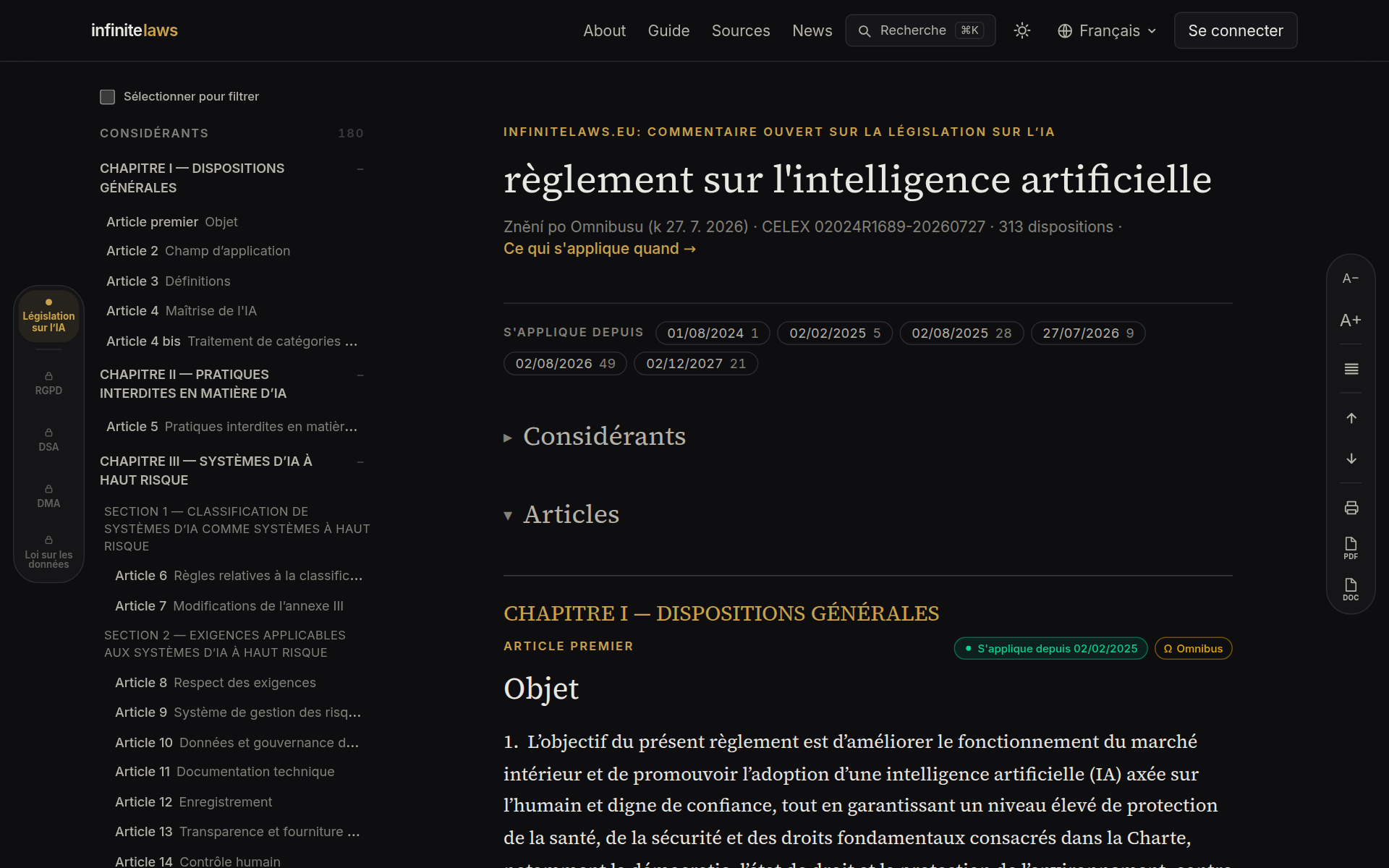
Étiquettes d'applicabilité : ce qui s'applique et depuis quand
Le règlement sur l'IA entre en application par étapes, et le règlement modificatif Digital Omnibus a reporté une partie des dates. L'étiquette en haut à droite de chaque article indique donc : point vert = l'article s'applique (depuis la date indiquée), horloge = il s'appliquera plus tard, sablier ambre = la date a été reportée par le règlement modificatif.
L'icône de couches signale plusieurs régimes temporels (par exemple des dates différentes pour l'annexe III et l'annexe I). Le badge Ω marque les articles dont le règlement modificatif change le texte sur le fond.
Un clic sur l'étiquette ouvre le détail : la date initiale barrée, la nouvelle date, la ventilation des régimes et le statut juridique du règlement modificatif — il a été publié au Journal officiel (JO L 2026/1744) et est en vigueur depuis le 27 juillet 2026. Le détail renvoie à la chronologie complète.
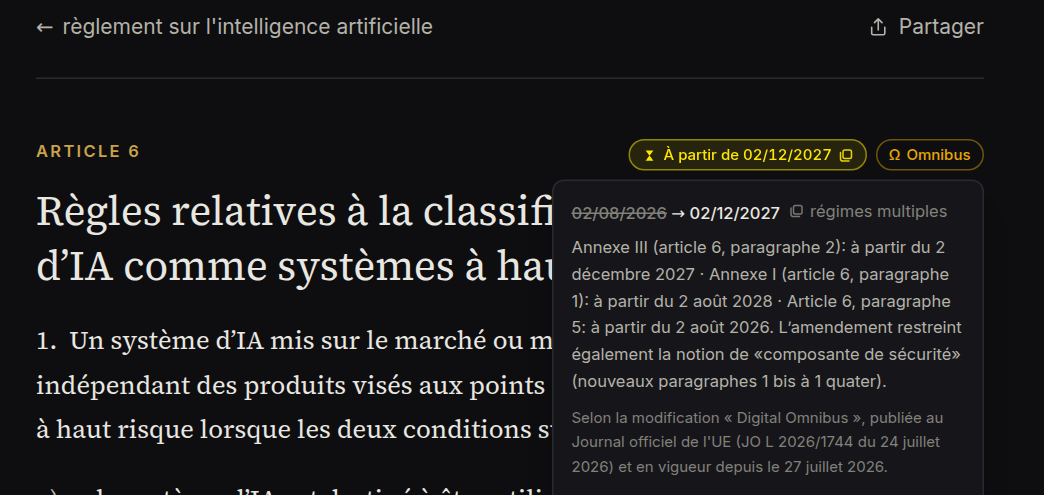
Chronologie : ce qui s'applique quand
Vous avez besoin d'une vue d'ensemble plutôt que des étiquettes article par article ? La page Ce qui s'applique quand place toute l'entrée en application du règlement sur un seul axe vertical : jalons de l'entrée en vigueur (août 2024) à 2030, repère Aujourd'hui, dates initiales barrées avec le badge Ω pour les échéances reportées, et liens vers les dispositions concernées à chaque jalon.
La page est également prête pour l'impression — Ctrl/⌘+P produit un document net en composition claire, que vous pouvez joindre à une analyse interne.
Ouvrir Ce qui s'applique quand →
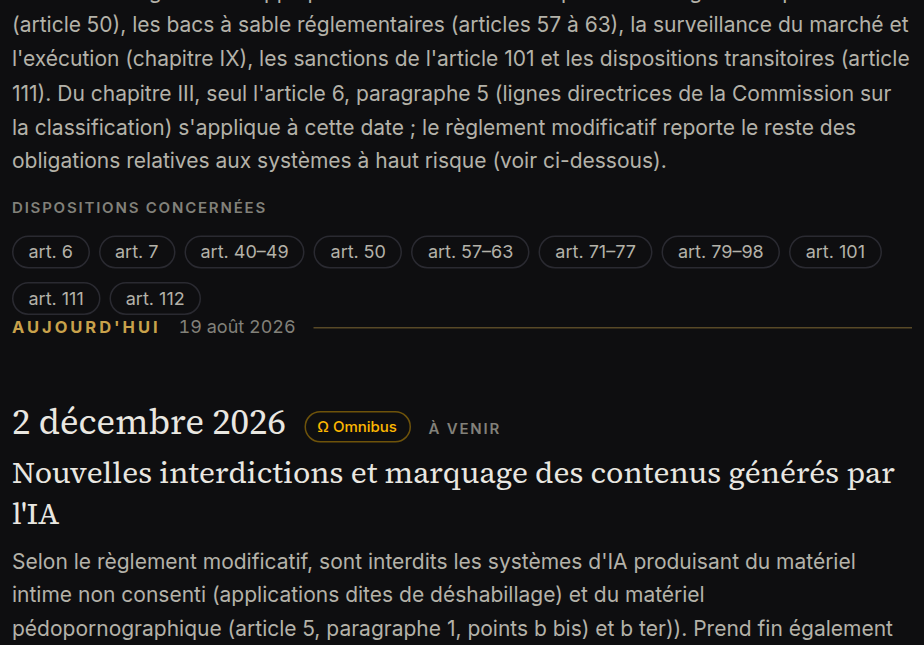
Recherche
Appuyez sur ⌘K (ou cliquez sur Rechercher dans l'en-tête). La recherche porte sur les numéros et les intitulés, sur le texte intégral du règlement et sur les commentaires publiés — avec aperçu et mise en évidence des occurrences. Les accents n'ont aucune importance et la recherche fonctionne dans les 8 langues.
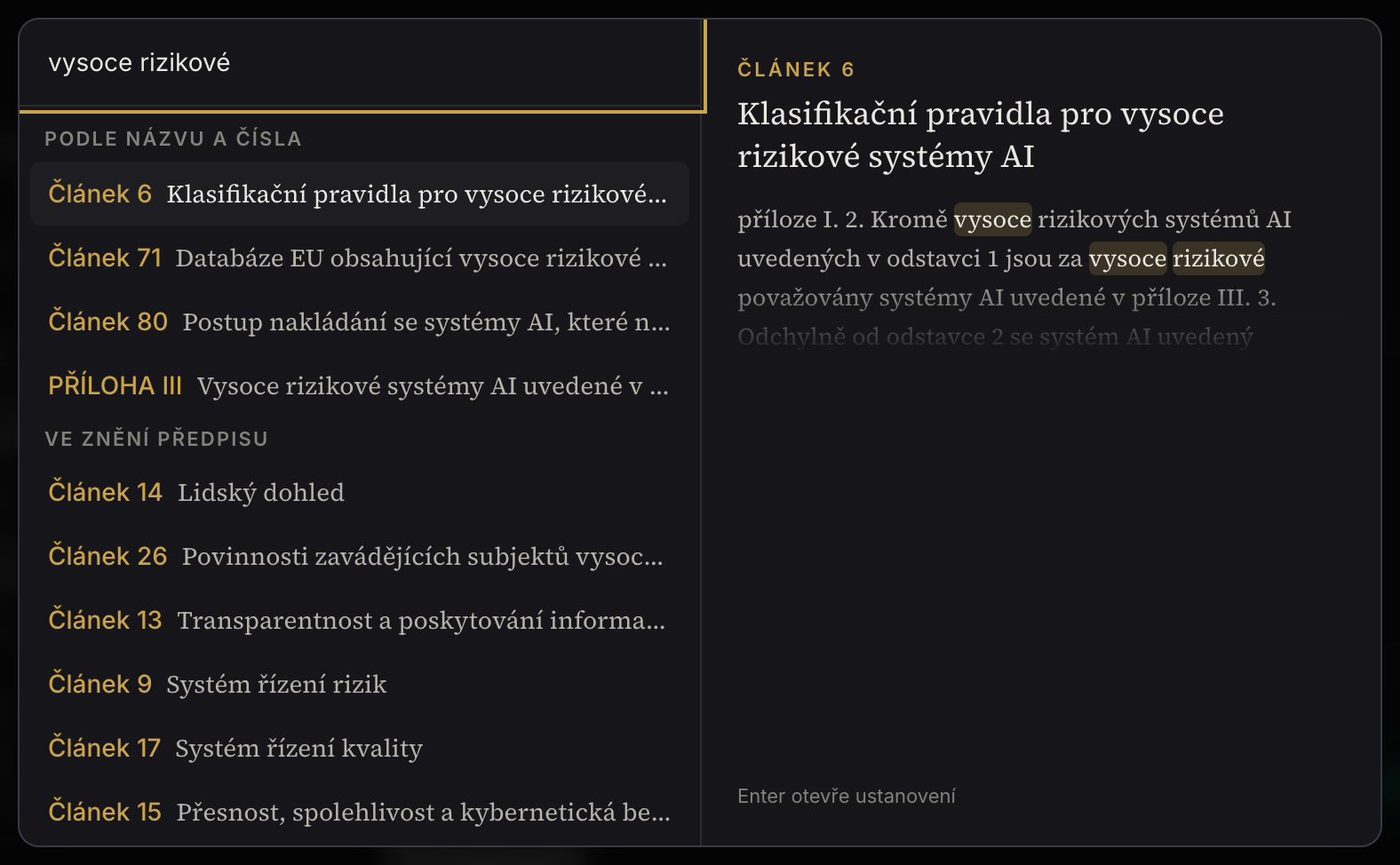
Filtre et sélection
Cochez « Filtre » dans la table des matières et sélectionnez des chapitres, des sections ou des articles isolés — vous ne lisez alors que ce dont vous avez besoin. La sélection survit au changement de langue ; un clic suffit pour l'annuler.
Au-dessus du texte se trouve un second filtre — par date d'application. Les étiquettes (par exemple 2 août 2026 ou 2 décembre 2027) indiquent combien d'articles s'appliquent à partir de cette date ; un clic ne laisse qu'eux dans le lecteur. Les deux filtres se cumulent, et l'export comme l'impression travaillent alors exactement sur ce que vous voyez à l'écran.
Export et impression
La barre de droite comporte trois boutons : Imprimer (PDF prêt pour l'imprimante, avec numéros de page), PDF (composition sur deux colonnes) et Word. L'export porte sur l'ensemble du règlement ou seulement sur les articles retenus par le filtre ; les commentaires dépliés peuvent être inclus.
Citations en un clic
Sélectionnez à la souris n'importe quel passage du texte ou d'un commentaire — une barre apparaît au-dessus de la sélection avec deux options : Copier le texte ou Copier avec la référence. La seconde met le texte entre guillemets et y ajoute la référence exacte de la disposition (par exemple « Article 50, règlement (UE) 2024/1689 (règlement sur l'IA) ») ainsi qu'un lien permanent vers infinitelaws — prêt à être collé dans un mémoire, une analyse ou un courriel.
Commentaires
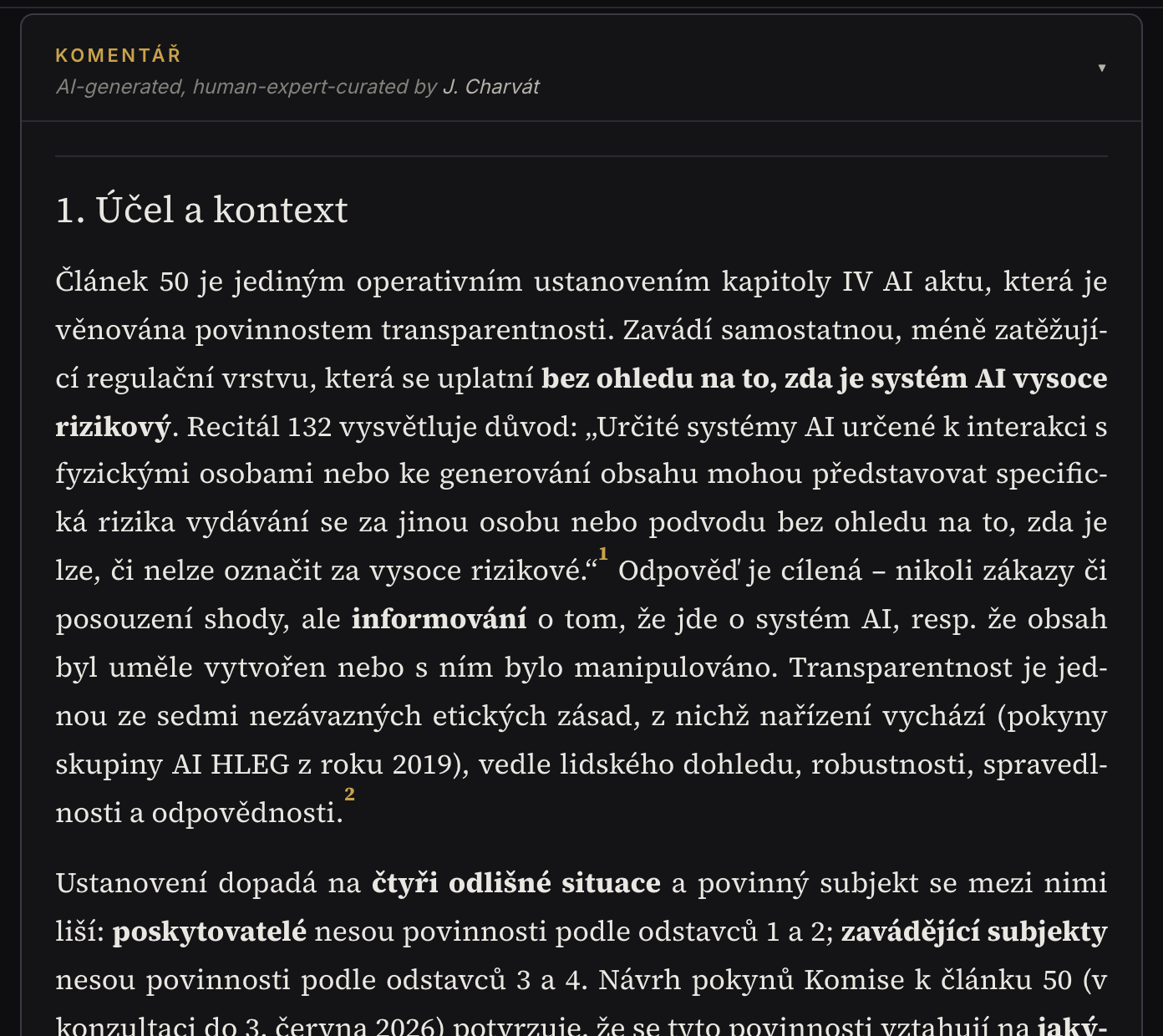
Le commentaire se trouve sous le texte de la disposition — dépliez le bandeau. L'analyse suit une structure fixe et chaque affirmation porte une source numérotée (texte authentique, lignes directrices de l'UE, doctrine), accessible en un clic.
Vous pouvez évaluer les commentaires publiés (👍 Utile / ⚠ Inexact) et en discuter ; les contributions en langue étrangère se traduisent d'un bouton. Dans les langues sans analyse native, une traduction automatique (eTranslation) s'affiche avec une mention visible et un lien vers l'original.
Là où aucun commentaire n'existe encore, la page de l'article propose le bouton Demander un commentaire — la demande des lecteurs détermine notre file d'attente et nous vous préviendrons par courriel après la parution.
Sources et contexte
La page de chaque disposition comporte une section Sources et contexte : considérants liés (pour les articles cartographiés), renvois vers les articles et annexes connexes, documents officiels relatifs à l'article (lignes directrices de la Commission, codes de bonnes pratiques, droit national) et actualités touchant la disposition. Pour les considérants et les annexes, le lien fonctionne aussi en sens inverse — vous voyez quels articles s'appuient sur eux.
Participez à l'évaluation
Vous êtes juriste ou spécialiste de la régulation de l'IA ? Connectez-vous avec Google, complétez un bref profil et commentez les projets de commentaire dans l'onglet Évaluation : ajoutez une note sur ce que vous voulez et rendez un avis — 👍 Je recommande la publication / ✋ J'ai des réserves. Une fois les remarques intégrées, un nouveau tour s'ouvre avec une comparaison claire des modifications.
Les évaluations sont pour l'instant anonymes ; nous vous demanderons séparément et avec votre accord l'autorisation de vous citer publiquement.
Bon à savoir
Le commentaire est une information experte, non un conseil juridique. Si vous repérez une erreur, utilisez ⚠ Inexact, la discussion ou le contact du pied de page — chaque retour améliore le commentaire. Qui porte le projet et comment le contenu est produit sont décrits sur la page À propos.